You can log in to your cPanel account directly from your Listed Hosting account dashboard. Thus, you don’t need to remember your cPanel login details.
Login to your Listed Hosting account
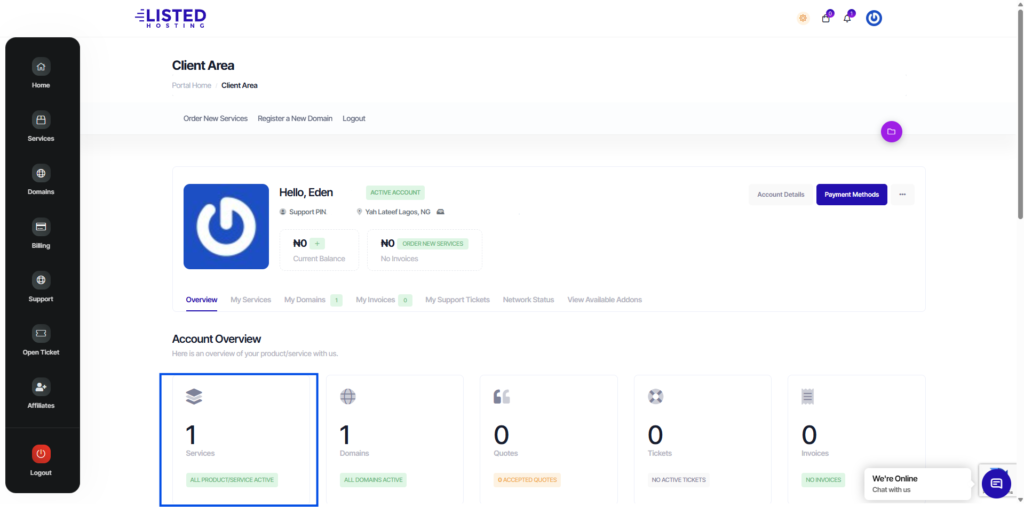
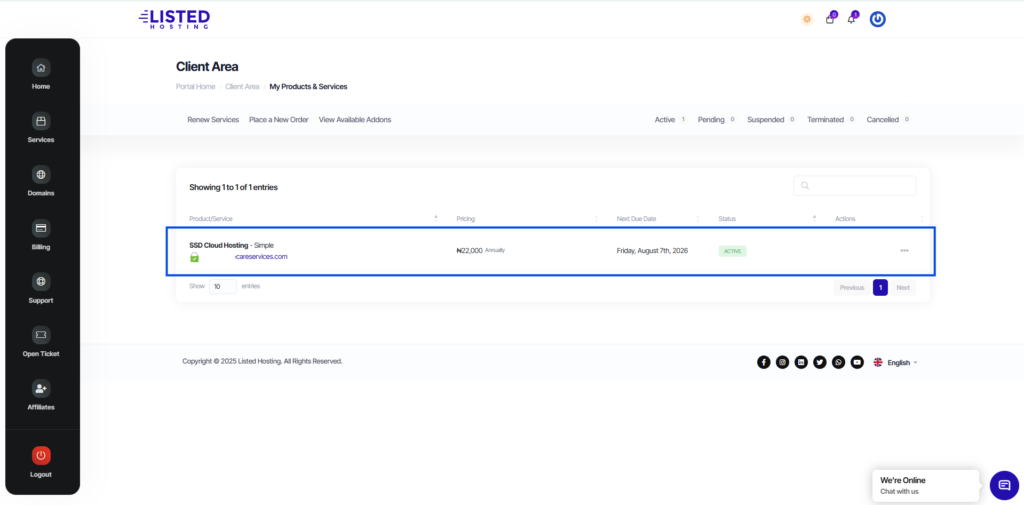
Navigate to “Services” tab select the product you wish to access its cPanel, then click on the service you want to access its cPanel.
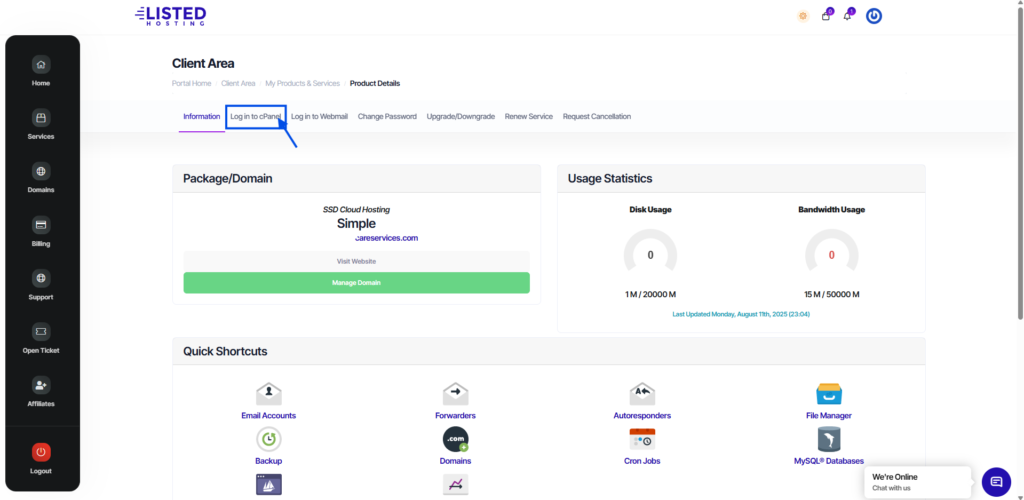
From the provided menu bar, click on “Login to cPanel” and you will be redirected to your cPanel dashboard.
If you would like to log in through the cPanel login page instead of the Listed Hosting dashboard, but receive an error about invalid login details, recheck the cPanel credentials that were sent to Your Hosting Account Email, then try logging in again (make sure there are no extra spaces).